Home
> Uncategorized > How to create a WGZ for Nokia Symbian WRT
How to create a WGZ for Nokia Symbian WRT
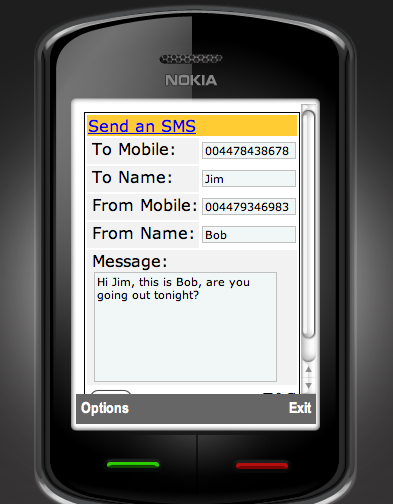 This is a simple HTML form packaged as a WGZ by using Aptana studio and Phonegap.
The WGZ can be created from within Aptana studio, by pressing control-click on the project, then selecting package. This WGZ can then be uploaded to Nokia’s OVI store under their WRT (Web runtime) category.
Source code for this project is available for download as a WGZ (basically a zip file)
This App is now published on OVI!
Categories: Uncategorized
Comments (0)
Trackbacks (0)
Leave a comment
Trackback
 Network Programming in .NET